
Freelancer cashflow tracking guide
A practical cashflow tracking guide for freelancers who need to understand income, expenses, balances, and irregular client payments.
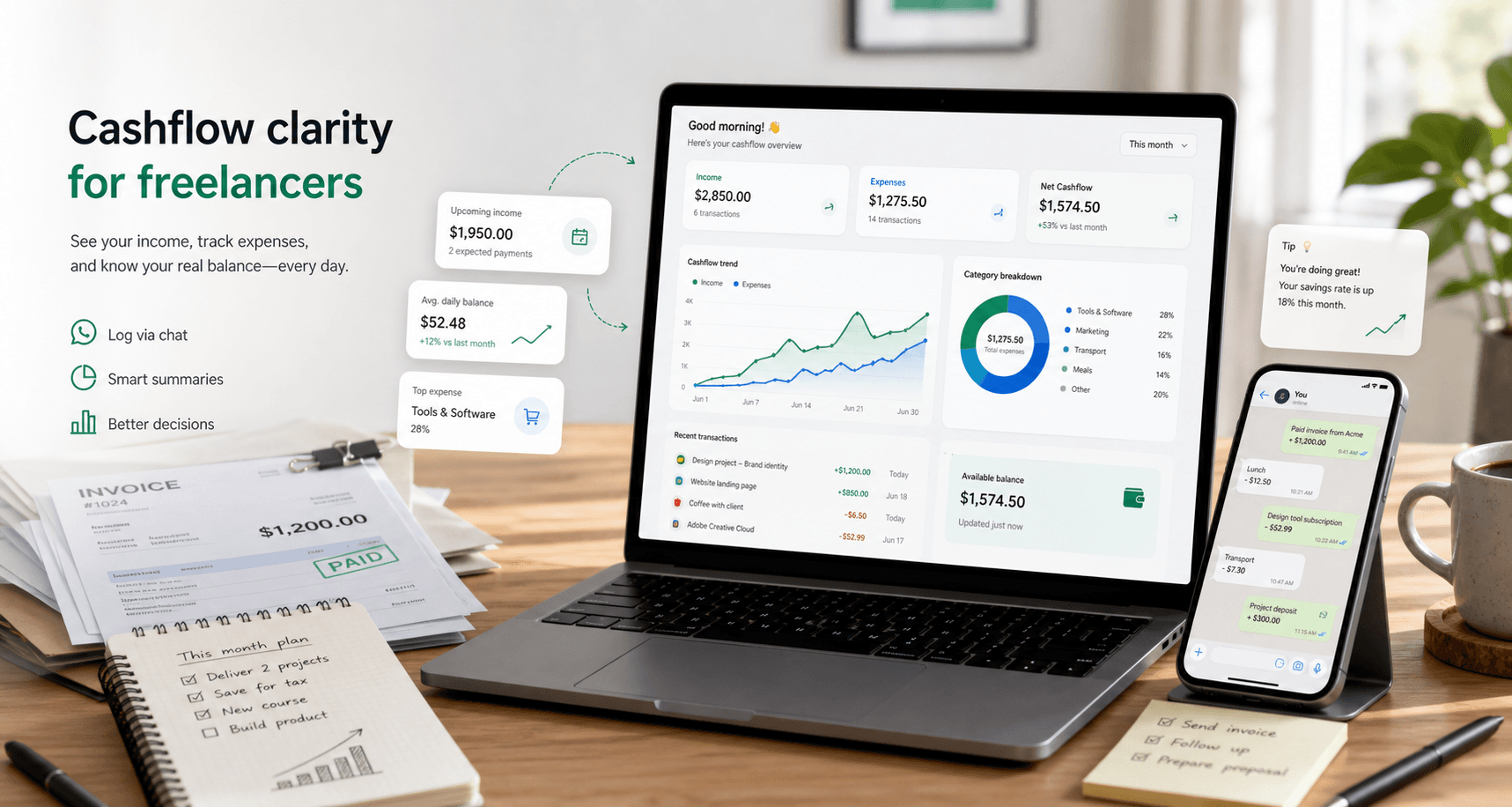
Quick answer
Freelancer cashflow tracking means recording income and expenses as they happen, keeping balances by currency, and reviewing monthly totals. The goal is to know how much cash is available, not just how much you invoiced.
Cashflow is not the same as revenue
A freelancer can have a strong month on paper and still feel short on cash. Revenue is what you earned. Cashflow is what actually moved in and out.
That distinction matters when client payments are late, retainers arrive early, or business expenses hit before a project is paid.
Track three numbers
A lightweight cashflow system should make three numbers visible every month.
- Income received: money that actually arrived.
- Expenses paid: money that actually left.
- Current balance: what remains available by currency.
Log transactions quickly
If tracking requires a long form, it will not survive a busy day. Short entries are enough for daily cashflow visibility.
- +1500 project payment
- -49 design tool
- -30 coworking
- +500 deposit
Use monthly summaries to spot patterns
At the end of the month, look for expenses that repeat, income that depends on one client, and currencies that drift out of balance. This helps you plan before the problem becomes urgent.
Common questions
What is cashflow tracking for freelancers?
It is the habit of recording income and expenses when money actually moves, so you can understand available cash and monthly patterns.
Should I track invoices or payments?
For cashflow, track payments when they arrive. You may still track invoices elsewhere, but cashflow depends on money received and spent.
How does NotaWA handle multiple currencies?
NotaWA keeps balances separate by currency. It does not automatically convert IDR, USD, EUR, or other currencies into one total.
Want the lighter version of this workflow?
NotaWA lets you record income and expenses from WhatsApp, then review balances, summaries, and transaction history from a simple dashboard.